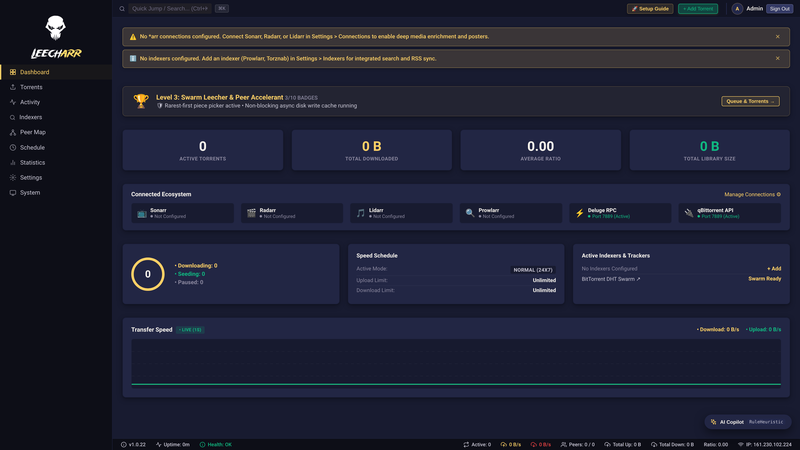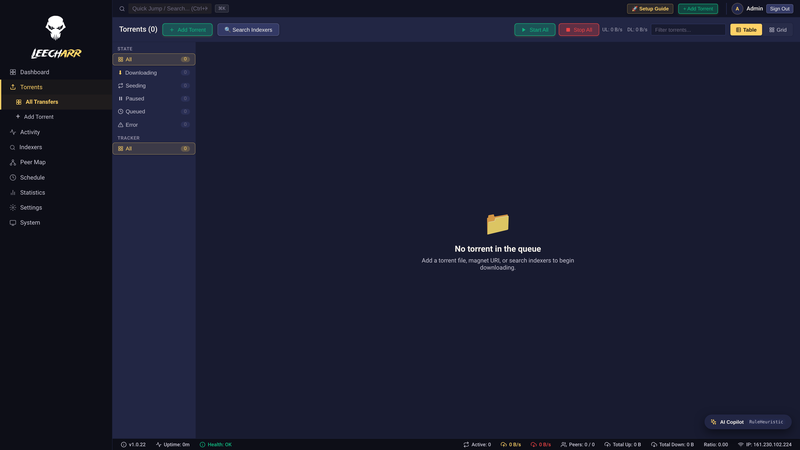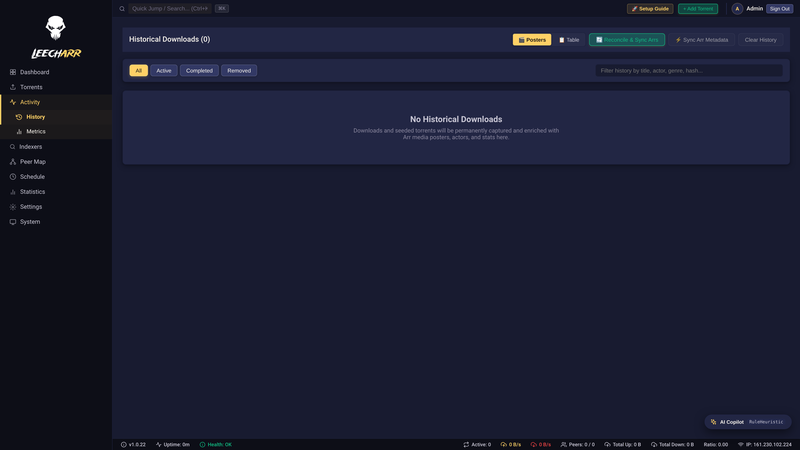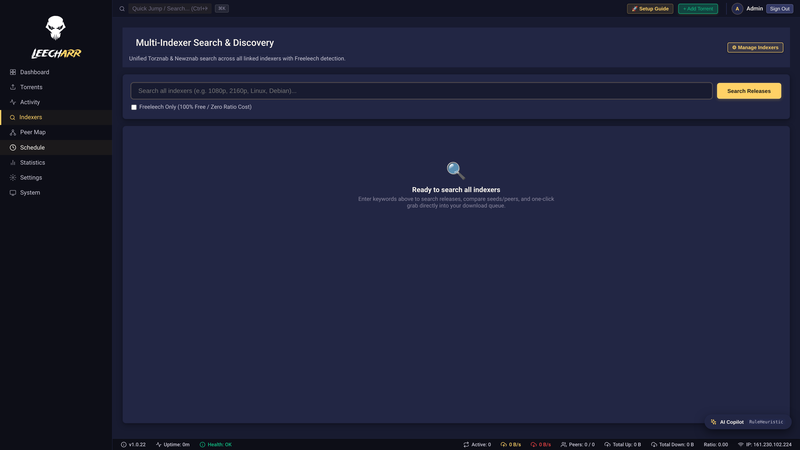

BitTorrent Media Downloader — the *arr-family rich media client.
Rich Media Enrichment
Sequential Streaming
Sonarr, Radarr & Lidarr
Deluge & qBittorrent RPC
Docker Ready
BitTorrent Media Downloader — the *arr-family rich media client.
Everything you need to download and manage BitTorrent media — enriched with artwork, sequential streaming, and deep Servarr automation.
Experience your downloads visually. Leecharr pairs BitTorrent transfers with rich artwork, movie posters, season banners, audio specs, and episode information directly from your Servarr apps.
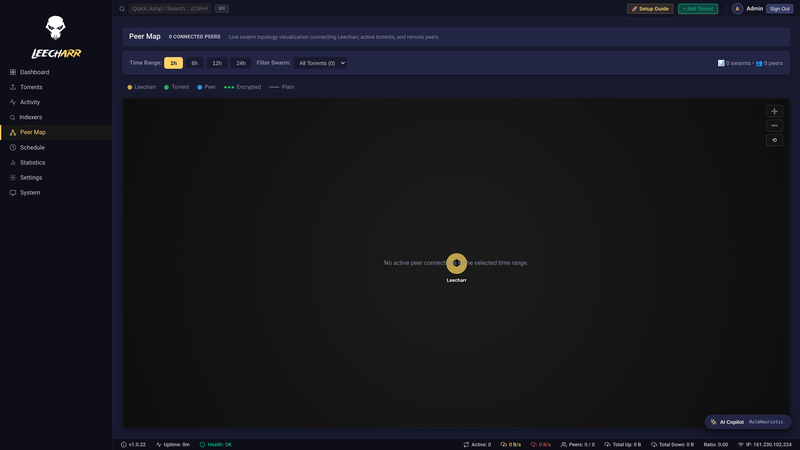
Leecharr implements a native, high-throughput BitTorrent engine in pure C# .NET 10. Non-blocking asynchronous disk I/O, memory caching, and full protocol compliance deliver blazing speeds.
Drop Leecharr into any existing automation pipeline. Built-in RPC adapters emulate Deluge, qBittorrent, and Transmission, allowing 3rd-party tools and mobile apps to interact with Leecharr without modifications.
/api/v1/) with Swagger UI
Stream videos and preview music files instantly in your browser while the torrent is actively downloading.
Search Torznab and Newznab indexers directly within Leecharr with automatic Prowlarr synchronization.
Webhook, Discord, and email triggers with full media artwork and metadata on grab and download completion.
Comprehensive OpenAPI specification at /api/v1/ with interactive Swagger
UI at /swagger.
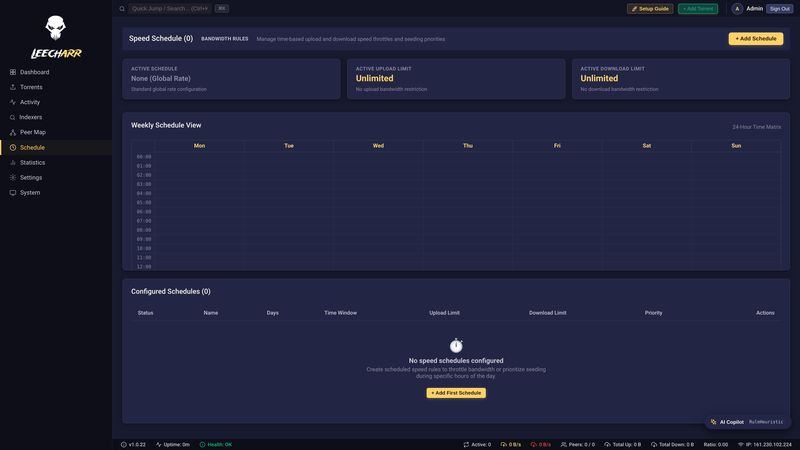
Define upload and download speed profiles by time of day and day of week to manage home network bandwidth.
Embedded SQLite by default with fast piece checkpoints; PostgreSQL supported for multi-instance deployments.
Connect seamlessly to your Servarr stack. Leecharr automatically enriches active downloads with posters, metadata, and category mappings from your arr apps.
TV series posters, episodes & season packs
Movie artwork, trailers & video stream specs
Artist fanart, album covers & audio tags
Direct indexer sync & proxy routing
Book covers, authors & publication details
How Leecharr outclasses traditional BitTorrent clients by uniting low-level protocol rigor with deep *arr automation and real-time observability.
| Feature / Capability | Leecharr Next-Gen | qBittorrent | Deluge | Transmission |
|---|---|---|---|---|
| *arr Media Enrichment Posters, season banners, episode stills, ratings, and cast in WebUI | 100% Native | Raw filenames only | Raw filenames only | Raw filenames only |
| Drop-in Multi-API Gateway Simultaneous qBittorrent v2, Deluge & Transmission RPC on port 7889 | Universal 4-in-1 | WebAPI v2 only | JSON-RPC only | Transmission RPC only |
| In-Engine Media Stream Inspector Pure C# EBML: 4K UHD, HDR10+, Dolby Vision, Atmos stream specs | Zero CLI dependencies | External ffprobe scripts | External ffprobe scripts | None |
| Private Tracker Protocol (BEP 27) Strict per-swarm DHT, PEX, and LPD disablement to protect private ratios | Strict Swarm Isolation | Supported (libtorrent) | Supported (libtorrent) | Supported |
| Client Whitelist Emulation Configurable Peer ID & User-Agent presets (qB 4.6/5.0, Deluge, etc.) | Dynamic Presets | Locked to version | Third-party plugin | None |
| Memory & Cache Architecture Dynamic dirty block coalescing without OS page-cache runaway bloat | Predictable RAM Cache | libtorrent 2.0 mmap OOM | Python GIL UI stalls | POSIX buffer cache |
| Live Hardware & Swarm Telemetry Piece hash rates, cache hits/misses, protocol overhead, socket state | Real-time Per-Torrent | Basic swarm rates | Basic swarm rates | Minimal rates |
| Integrated Search & Prowlarr Sync Torznab/Newznab multi-indexer discovery with one-click grab | Built-in & Auto-Sync | Fragile Python plugins | Third-party plugin | None |
| VPN Interface Binding & Kill Switch Binds sockets strictly to tun0/wg0; halts all traffic immediately if dropped | Automated Kill Switch | Network Interface bind | OS routing scripts | Bind IP only |
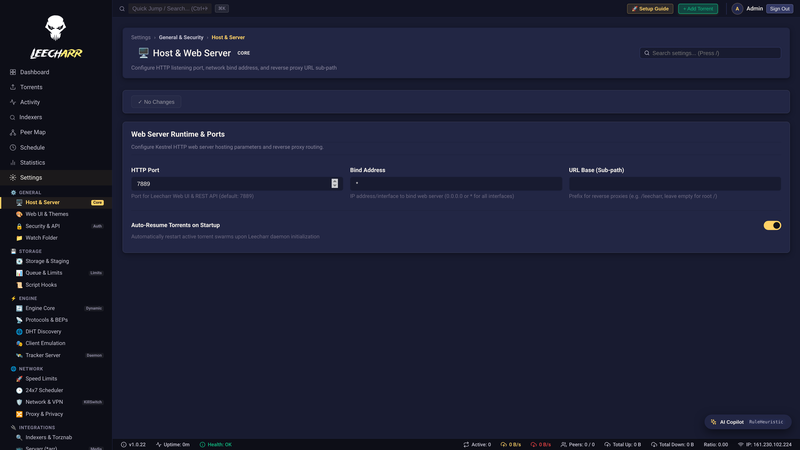
Switching clients usually breaks downstream automation. Leecharr solves this by
running qBittorrent WebAPI v2, Transmission RPC,
Deluge JSON-RPC, and native
REST API v1 simultaneously on port 7889. Point Sonarr,
Radarr, or qbit_manage to Leecharr without rewriting scripts or container
configs.
Avoid account warnings and passkey leaks. Strict BEP 27 enforcement kills DHT, PEX, and LPD at the swarm level, while separated tracker tiers eliminate multi-tracker contamination. Built-in Client Emulation Presets allow Leecharr to announce as approved qBittorrent, Deluge, or Transmission versions on strict private communities.
Say goodbye to unRAID and Docker container crashes caused by libtorrent 2.0's
aggressive mmap kernel page caching. Leecharr's multi-threaded C# disk
engine uses managed dirty block coalescing (128 MB – 1 GB dynamic cache) and
non-blocking sparse allocation for wire-speed performance with zero memory leaks.
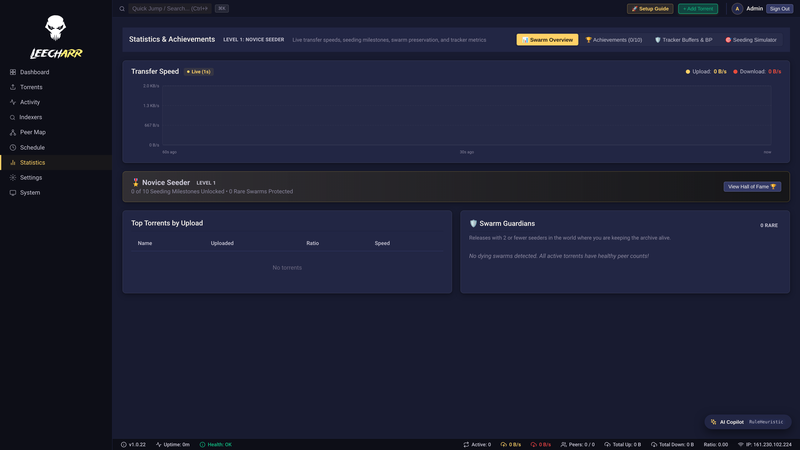
Why wait for a 50 GB download to complete before checking its video resolution or audio tracks? Leecharr's pure C# EBML inspector extracts HDR10+, Dolby Vision, and Atmos codecs from streaming piece buffers in real time, accompanied by live hardware telemetry and per-torrent piece maps.
Leecharr runs on any platform that supports .NET 10. Docker is the recommended deployment.
The easiest way to run Leecharr. The official image is published to Docker Hub and GitHub Container Registry (GHCR).
Option 1: Docker Hub
docker run -d \
  --name leecharr \
  -p 7889:7889 \
  -p 51413:51413 \
  -v leecharr-config:/config \
  -v leecharr-downloads:/downloads \
  --restart unless-stopped \
  feeditout/leecharr:latest
Option 2: GitHub Container Registry (GHCR)
docker run -d \
  --name leecharr \
  -p 7889:7889 \
  -p 51413:51413 \
  -v leecharr-config:/config \
  -v leecharr-downloads:/downloads \
  --restart unless-stopped \
  ghcr.io/dmzoneill/leecharr:latest
Then open http://localhost:7889
services:
  leecharr:
    # Option 1 (Docker Hub):
    image: feeditout/leecharr:latest
    # Option 2 (GHCR):
    # image: ghcr.io/dmzoneill/leecharr:latest
    container_name: leecharr
    ports:
      - "7889:7889"
      - "51413:51413"
    volumes:
      - leecharr-config:/config
      - leecharr-downloads:/downloads
    restart: unless-stopped
    environment:
      - TZ=UTC
    healthcheck:
      test: ["CMD", "curl", "-f", "http://localhost:7889/api/v1/system/status"]
      interval: 30s
      timeout: 10s
      retries: 3
      start_period: 30s

volumes:
  leecharr-config:
  leecharr-downloads:
docker compose up -d
# or
podman-compose up -d/config stores the database, settings, and logs.
/downloads holds downloaded media files and torrent data.
Leecharr requires .NET 10 runtime. Use the generic tar.gz for manual installation on any Linux distribution.
/opt/leecharr).
./Leecharr or create a systemd unit file for autostart.Leecharr supports macOS on both Intel and Apple Silicon (arm64).
Leecharr.app to your Applications folder.codesign --force --deep -s - /Applications/Leecharr.app
Leecharr can run as a Windows Service or System Tray Application. Supports Windows 10 / Server 2019 or later.
Leecharr runs on most NAS devices via Docker. Synology, QNAP, Unraid, and TrueNAS are all supported.
feeditout/leecharr:latest from Docker Hub, or ghcr.io/dmzoneill/leecharr:latest from GHCR.7889 and map volumes for /config and
/downloads.
Requirements: .NET 10 SDK, Node.js 24+, npm.
git clone https://github.com/dmzoneill/Leecharr.git
cd Leecharr

# Backend
dotnet run --project src/NzbDrone.Console/Leecharr.Console.csproj

# Frontend (hot reload dev server)
cd src/Leecharr.Frontend
npm install
npm startmake setup # Restore .NET + npm dependencies
make build # Build release
make test # Run unit tests
make publish # Publish release artifacts
make frontend # Build production frontend bundle7889. Both must be running simultaneously during development.